Introduction
MoonMeet is a social platform designed to foster meaningful connections through local events.
With its user-friendly interface, MoonMeet enables users to easily discover, RSVP to, and attend events.
By encouraging social interaction and supporting community gatherings, MoonMeet creates opportunities for people to connect, share experiences, and form lasting friendships, all while contributing to a more vibrant and inclusive community.
UI/UX Design | Research | Wireframe | Prototype | User Testing
UI/UX Design Case Study
Designing a Social Event Platform to Enhance Social Engagement
In the discovery phase of the MoonMeet project, a comprehensive research plan was developed to identify user needs and explore current industry opportunities.
This initial stage included detailed research to understand user behaviors, preferences, and pain points. Following this, a competitive analysis was conducted to evaluate existing platforms and identify gaps in the field.
Phase I: Discovery
Research Plan
During this process, I outlined the objectives, research methods, participant characteristics, and research activities. The research plan aimed to establish a clear project direction, ensuring that all goals were well-aligned.
Competitive Analysis
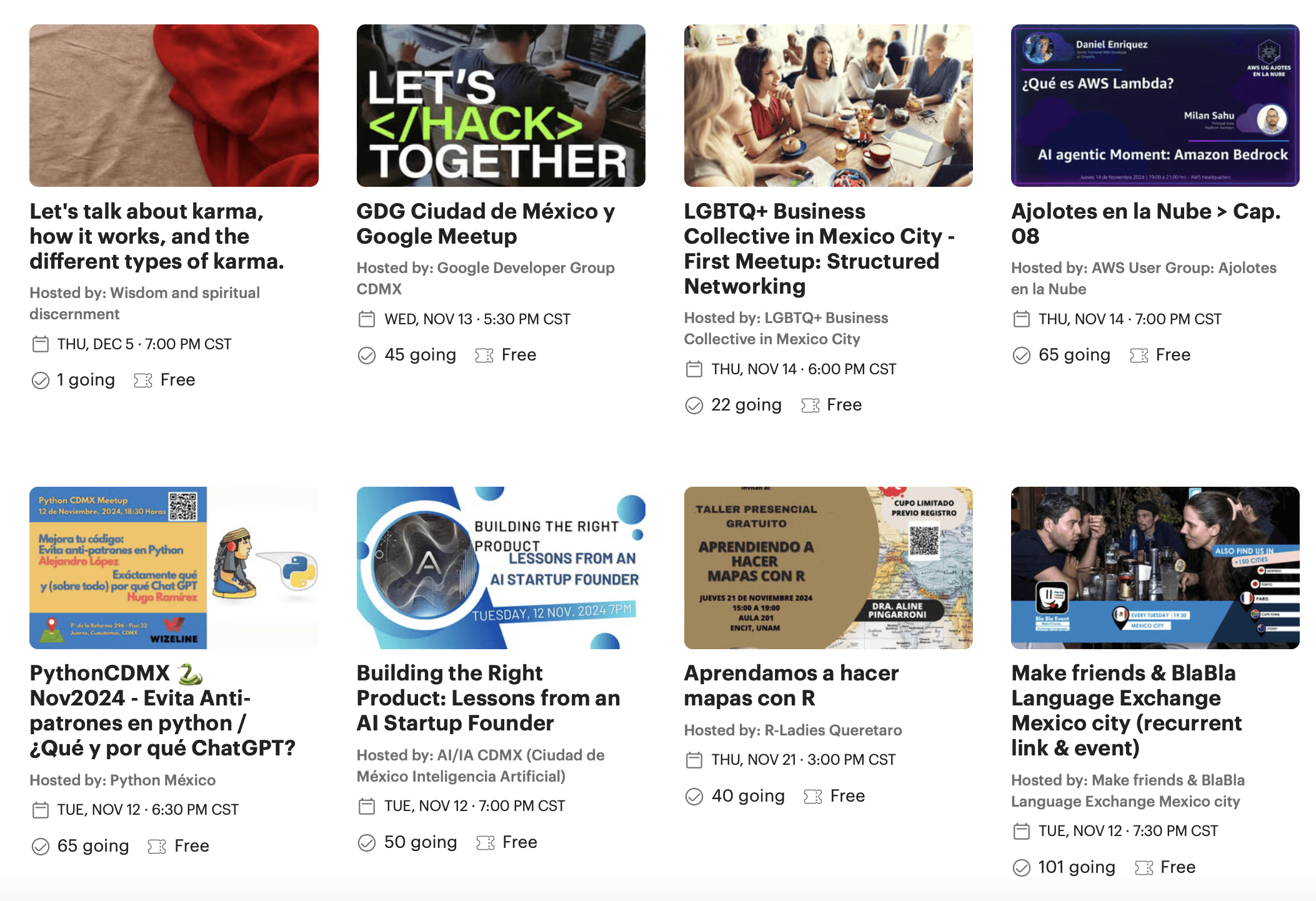
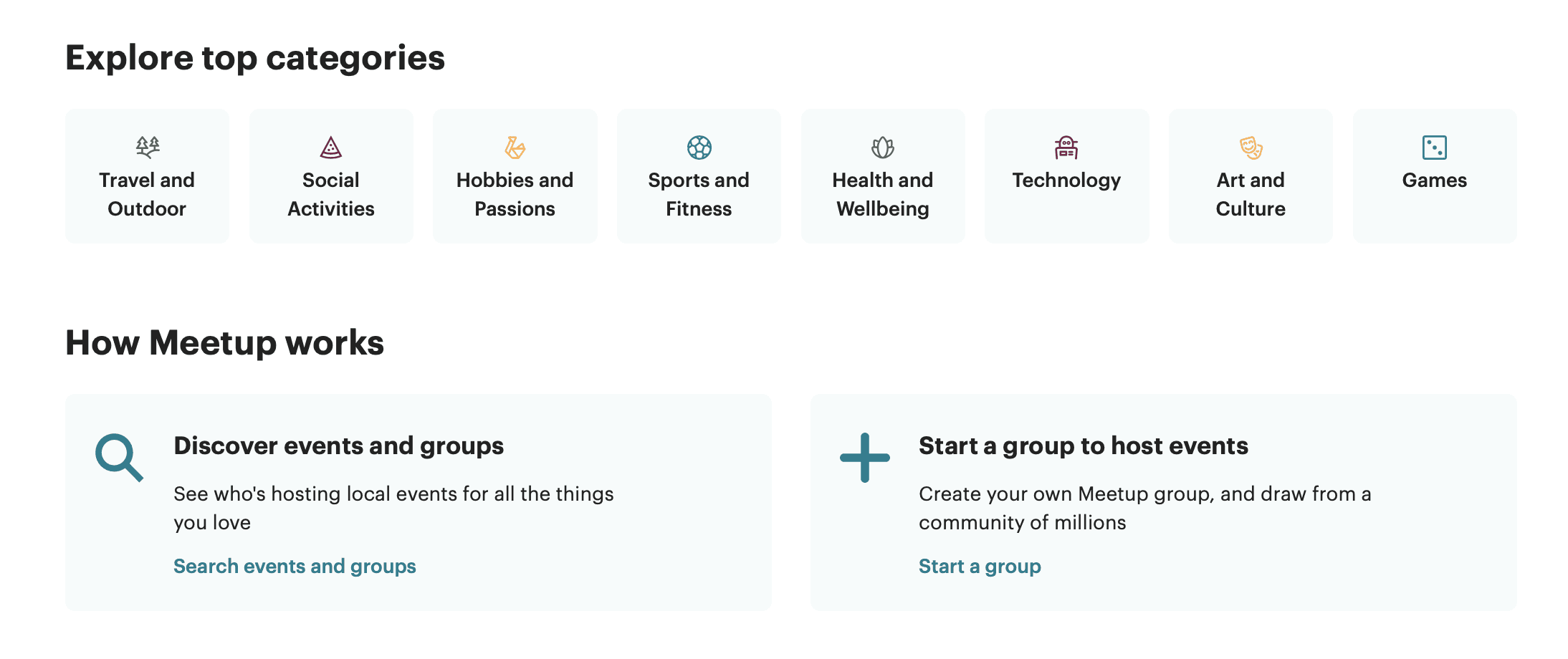
A comparison matrix was completed to evaluate and contrast the features, user experiences, and functionalities of existing social platforms. This analysis helped identify best practices and opportunities for differentiation, aimed at enhancing event attendance and user engagement.
My strategy focused on the following primary objectives:
Understanding how leading platforms promote events and encourage user participation.
Identifying successful features that drive engagement and attendance rates.
Highlighting gaps and pain points where MoonMeet could innovate and offer a superior user experience.
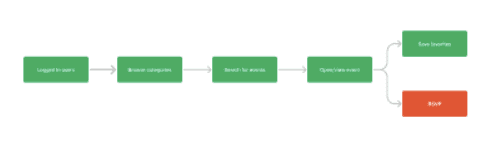
Figure I: MoonMeet User Flow
Figure II: MoonMeet Search Events Flow
User Flows
Phase 2: Design
User flows were designed to map the journey users take to complete key actions on the MoonMeet app. These flows detail the steps and choices users make, from discovering events to RSVPing, attending, and interacting with other participants.
The goal of creating these user flows was to gain insights into user behavior, enhance the overall experience, inform design improvements, and boost event attendance and user engagement on MoonMeet.

Header 1
Header 2
Header 3
Header 4
Header 5
Paragraph
Home Buttons
Primary font: Lato
Secondary Font: Poppins
Accent Color: Dark Gray (#333333)
Primary Color: White
FFFFFF
Secondary Color: Black 000000
MoonMeet: Style Guide
Primary Button
Secondary Button
To ensure visual consistency across the MoonMeet app, I developed a style guide that established the brand's design standards and key user interface elements.
This process focused on defining core visual components, including a minimalist color palette of black and white, clean typography, simple icons, buttons, and imagery.
The outcome was a consistent, sleek, and minimal aesthetic across all screens and elements of the app, reinforcing the brand identity and delivering a cohesive, user-friendly experience.
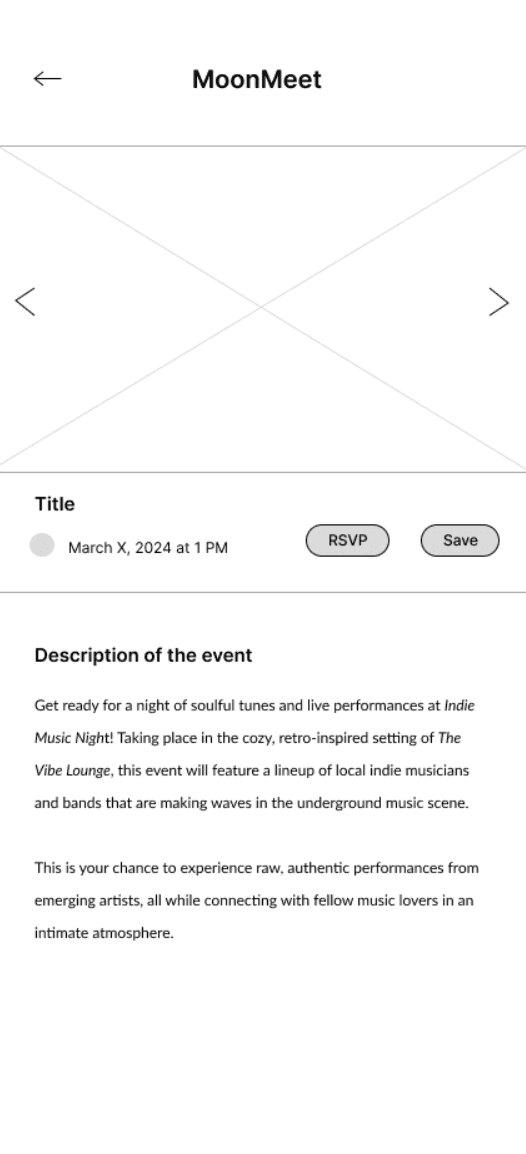
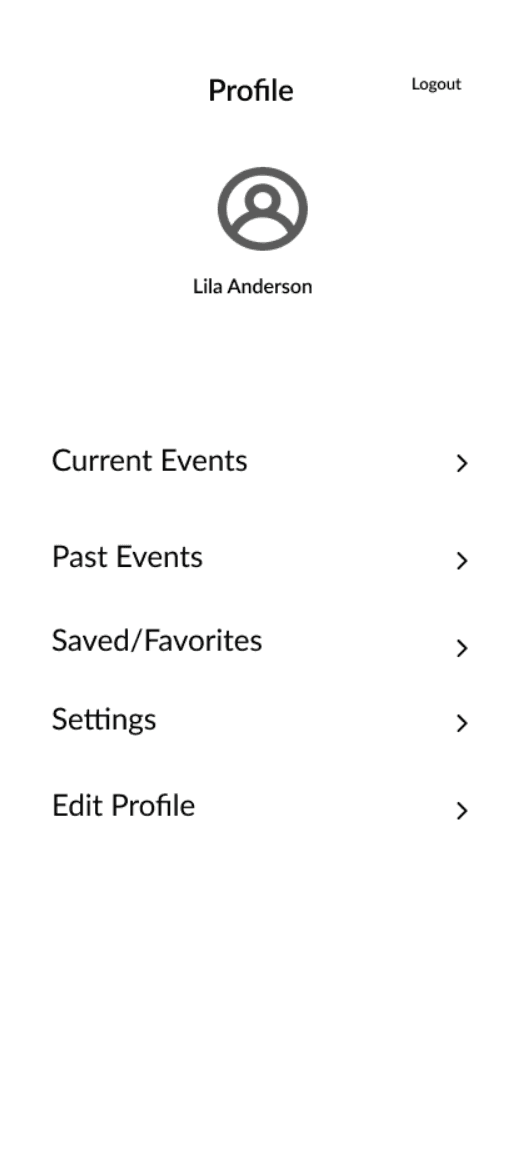
Low-fidelity Prototype
The low-fidelity prototype for MoonMeet was created to test initial design ideas, get quick feedback on layout and functionality, and set the foundation for usability testing.
This early model focused on key user flows like event discovery, RSVPing, and engagement, allowing me to refine the structure before adding visual details.
Testing this prototype helped identify what worked and what needed improvement, enabling rapid adjustments. This set the stage for creating high-fidelity mockups, where I could further polish the user experience based on real user insights.
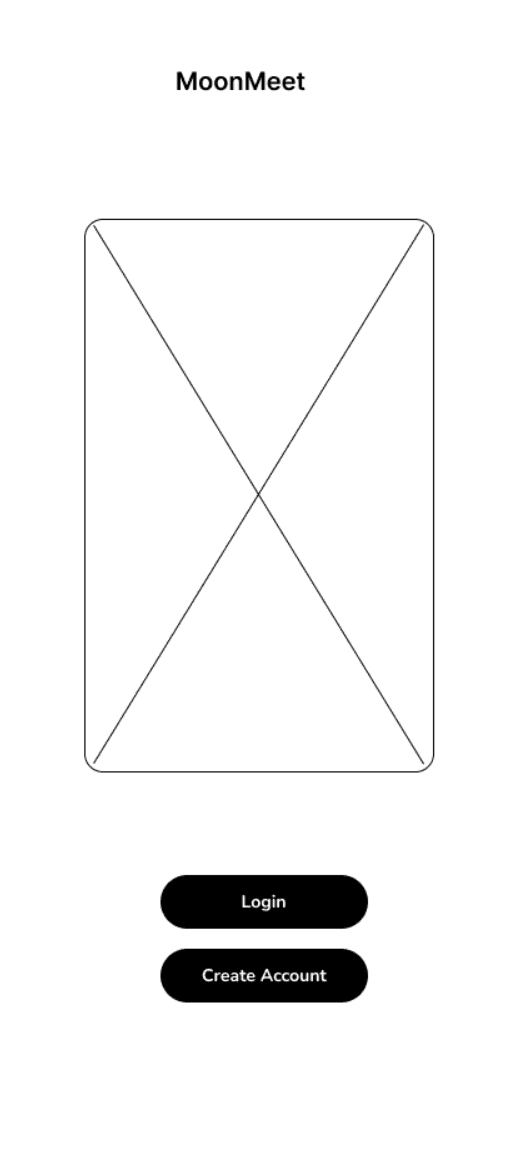
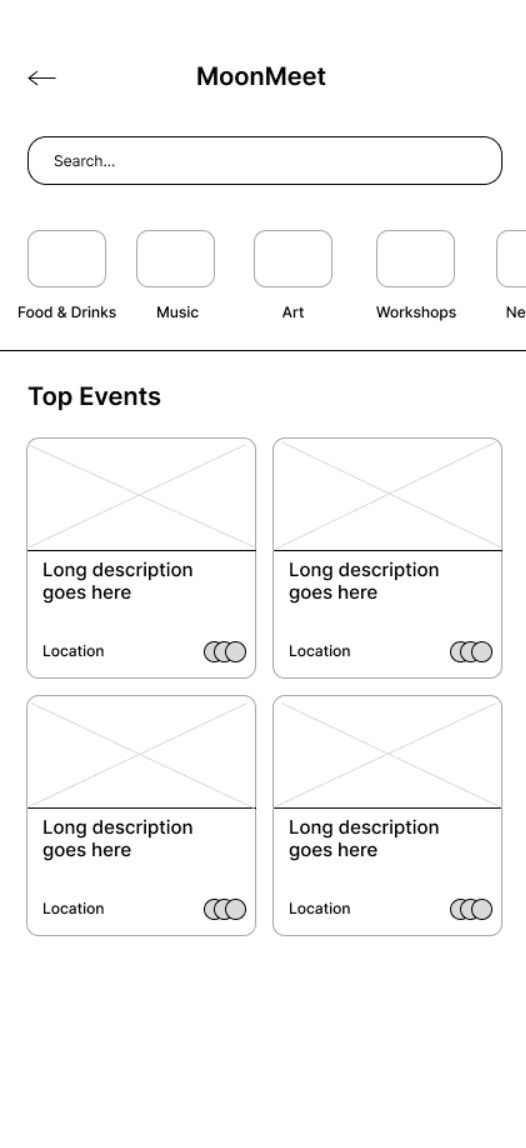
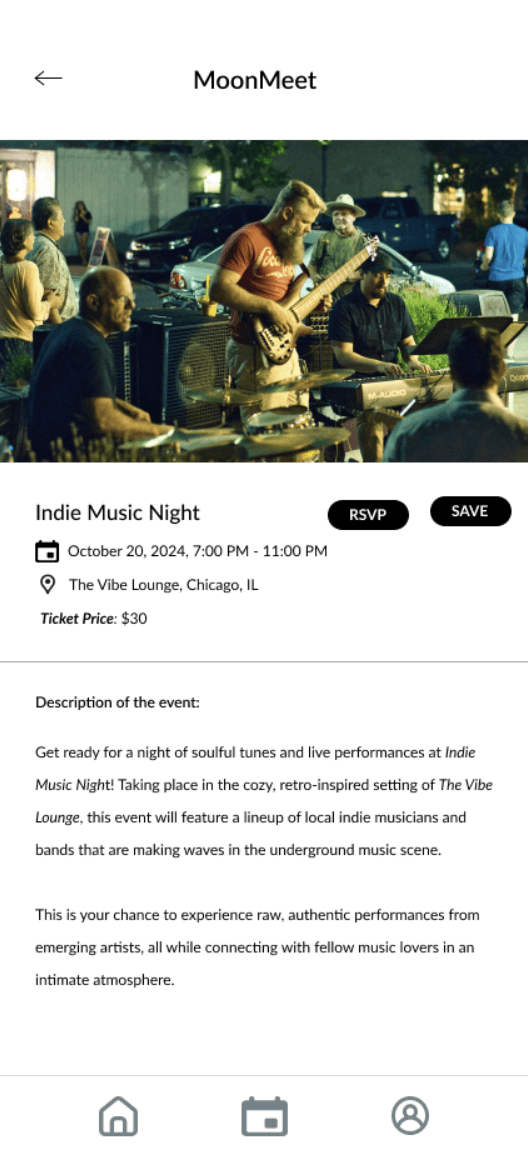
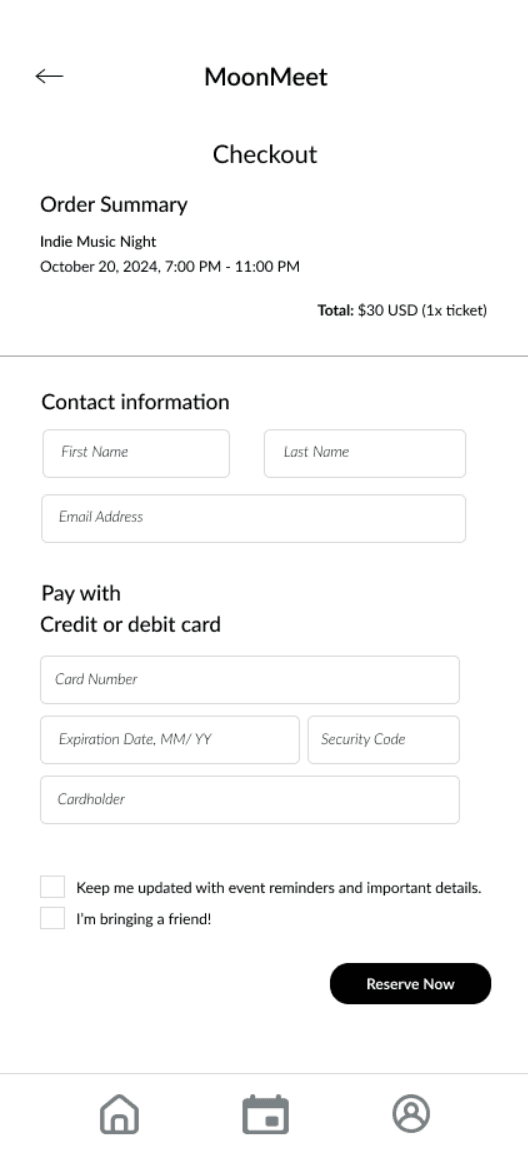
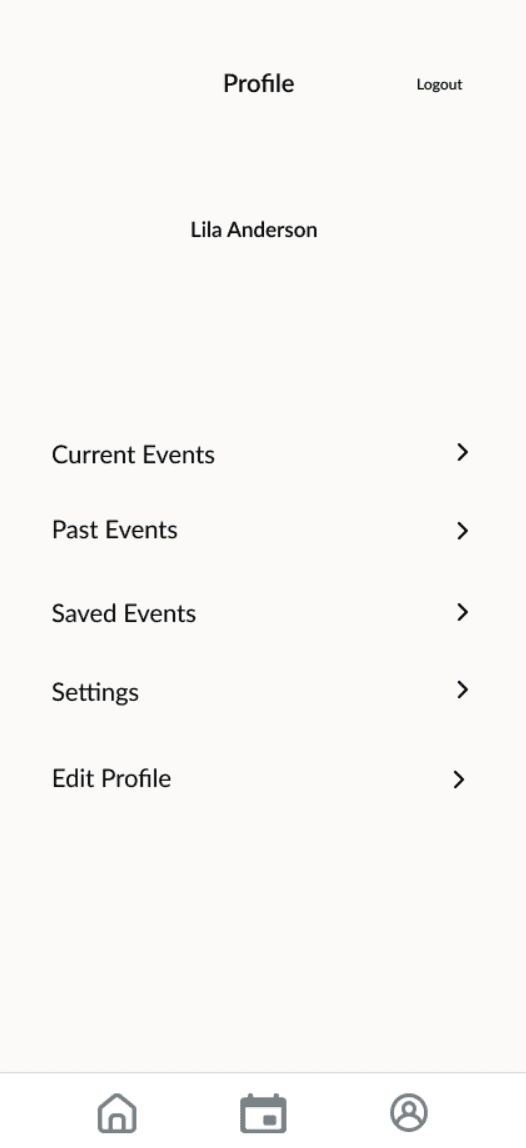
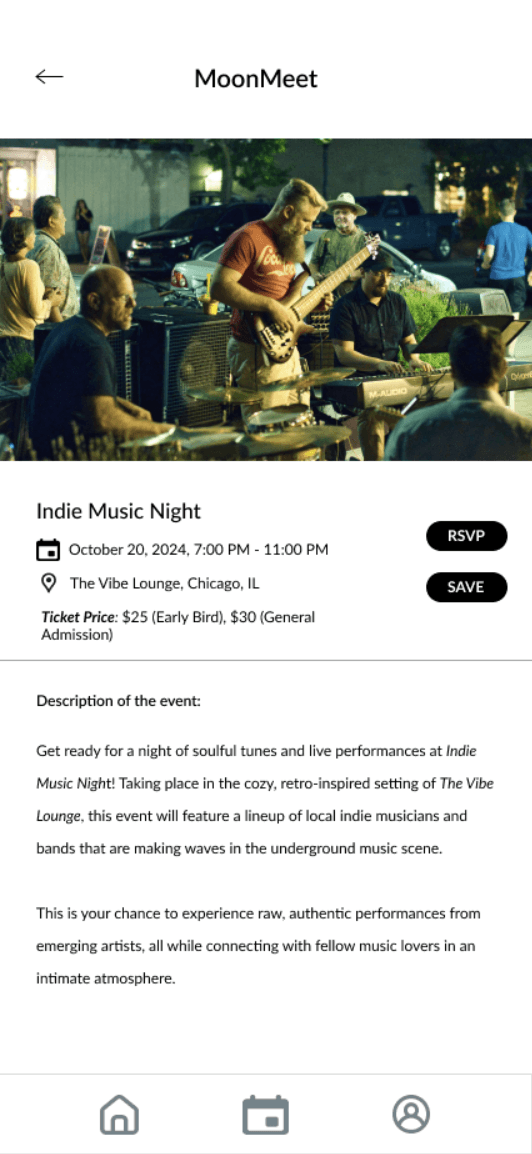
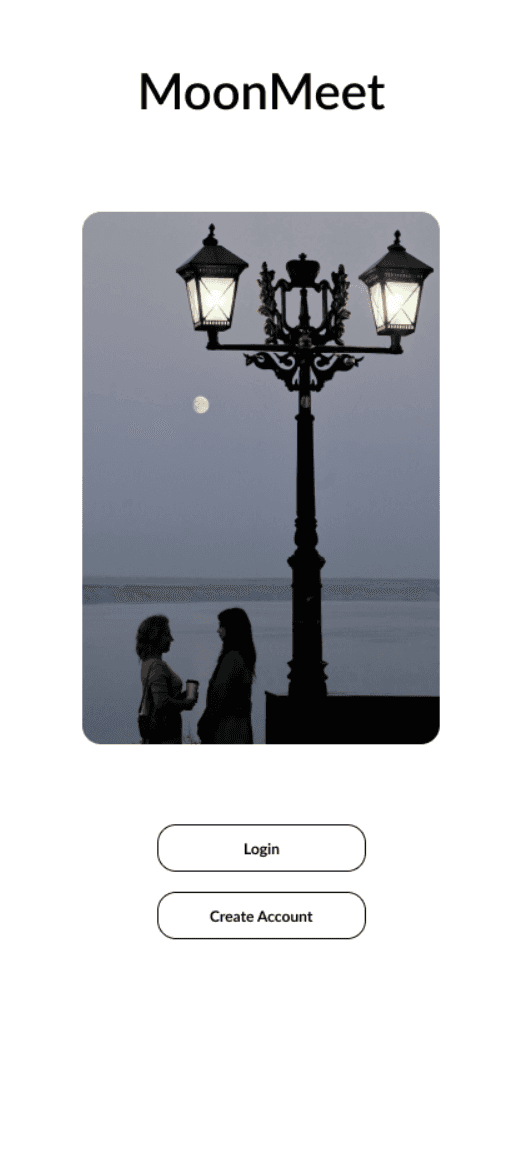
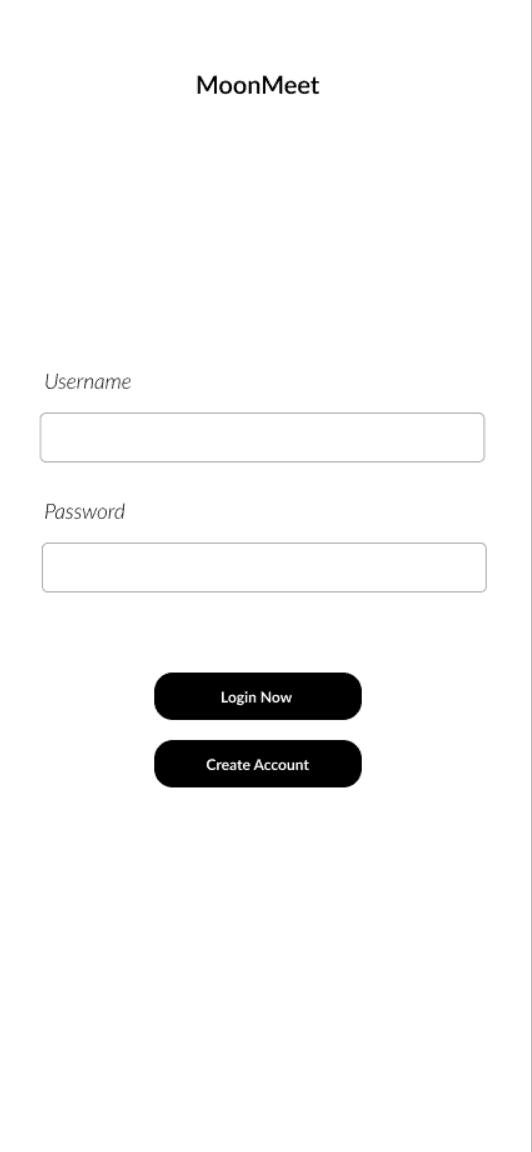
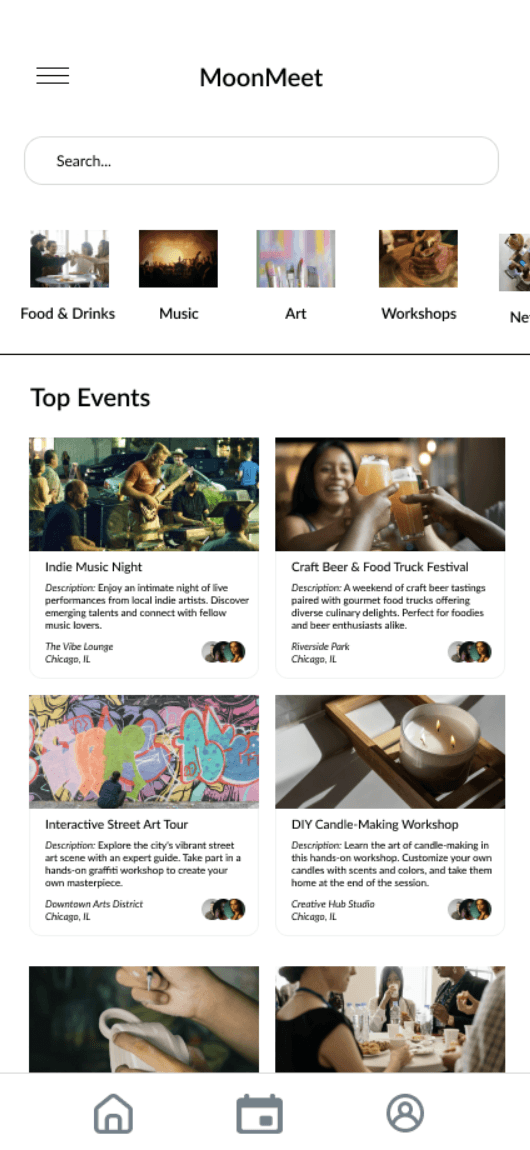
A high-fidelity prototype was created to develop a detailed and realistic version of the MoonMeet app, incorporating refined design elements, interactive features, and comprehensive visual details to closely resemble the final product.
This phase aimed to validate design decisions made during the low-fidelity stage and ensure necessary adjustments were implemented before final development, integrating feedback from the first round of testing to enhance user-centricity.
The process included developing polished high-fidelity wireframes with enriched visual elements and interactive components, such as clickable RSVP buttons and event filters, maintaining consistency by following the style guide and applying insights to improve the user experience.
High Fidelity Design
Phase 4: Design
Phase 5: Validate
Usability Testing
Round II
Phase 6: Final Design
Competitive Matrix
A comparison matrix was used to evaluate key features, design elements, and user engagement strategies across leading competitors in the event and social platform industry.
This tool offered a structured approach to compare various aspects of each competitor's app, enabling a comprehensive analysis of their strengths and weaknesses.
The comparison matrix focused on four primary categories for assessment:
1.
2.
3.
4.
Event Discovery & Recommendations
Usability & Simple Navigation
RSVP & Attendance Management
Social Features & User Engagement
Competitive Analysis
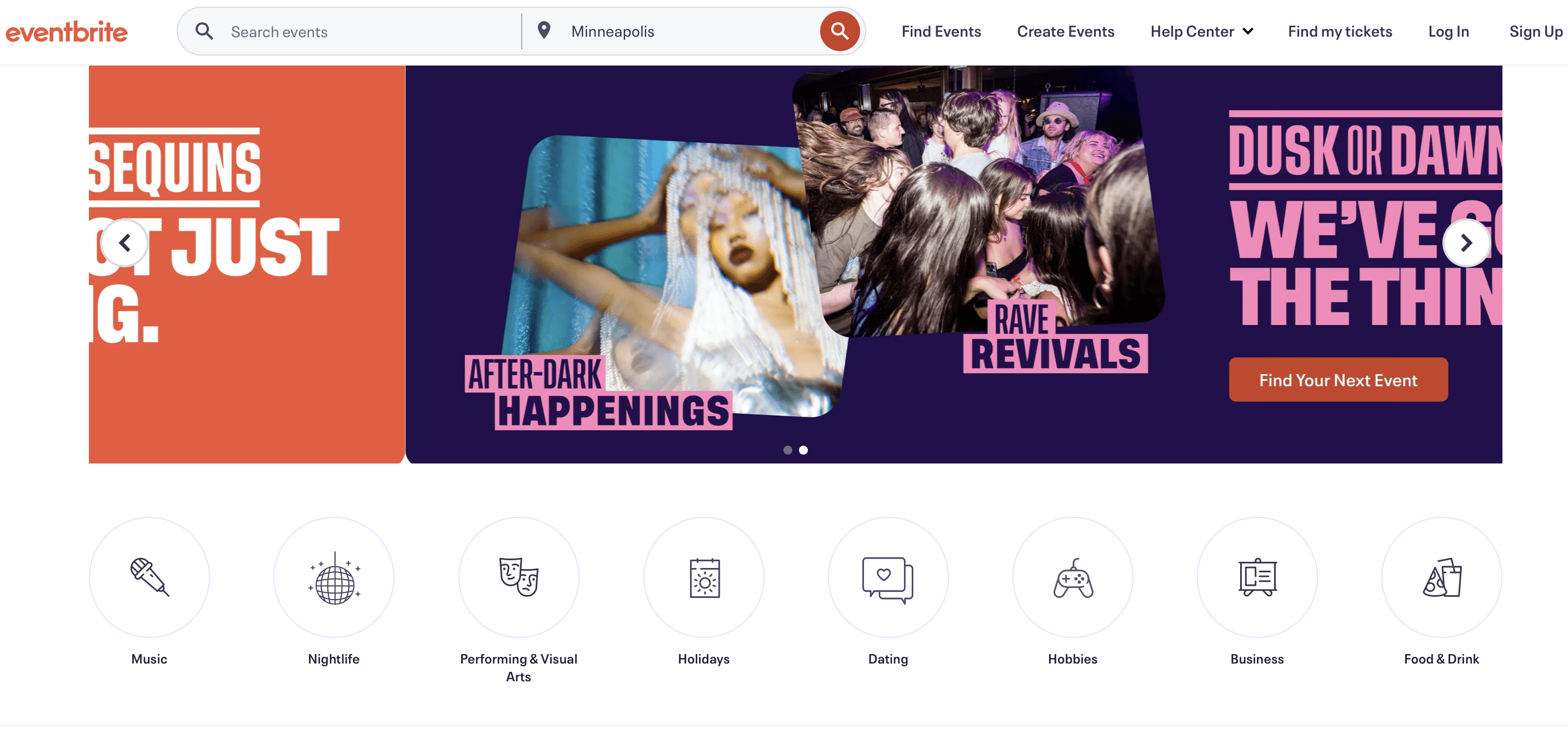
The competitive analysis for MoonMeet was conducted to evaluate the app against three major industry leaders—Meetup, Facebook Events, and f. The objective was to evaluate how these platforms handle event discovery, RSVPs, and user engagement, identifying strengths, weaknesses, and best practices that could be applied to MoonMeet's development.
By understanding these elements, I aimed to obtain actionable insights to improve user retention, event attendance, and overall engagement on MoonMeet.
The goal of this research is to understand user behaviors, preferences, and pain points related to event attendance and making new friends in a new city. The insights gained will guide the design and development of MoonMeet, specifically to:
Increase the conversion rate from RSVPs to actual event attendance.
Enhance the overall user experience by reducing social anxiety and encouraging meaningful connections.
Objective

MoonMeet is tackling a significant challenge to close the gap between users who RSVP to events and those who actually attend.
Data shows that, on average, only 20% of users who commit to attending an event follow through. This discrepancy suggests a need for features that increase commitment and engagement.
To address this, MoonMeet is focused on implementing tools like event reminders, social incentives (such as encouraging users to bring friends), and exclusive perks for attendees.
These features aim to create a stronger connection between users and the events they RSVP to, reducing the gap between intent and attendance while enhancing overall user engagement.
The Challenge
Phase 3: Validate
Usability testing
Round I
To evaluate the low-fidelity prototype of the MoonMeet app, remote usability testing was conducted. This testing allowed real users to navigate the app's features and give feedback on its functionality and design.
Participants were guided through scenarios that mimicked typical app interactions, such as exploring event listings, confirming attendance, and viewing event details. The sessions were hosted over video conferencing, capturing user interactions and verbal responses to identify any challenges faced.
Insights from these sessions were then analyzed to pinpoint usability issues and guide improvements for the next design iteration.
Users found the RSVP button unclear, as it did not lead to a confirmation page.
Setting event reminders was confusing due to the absence of an option.
Users struggled to find essential event details, such as the location and date.
The profile update feature was challenging for users to find and use.
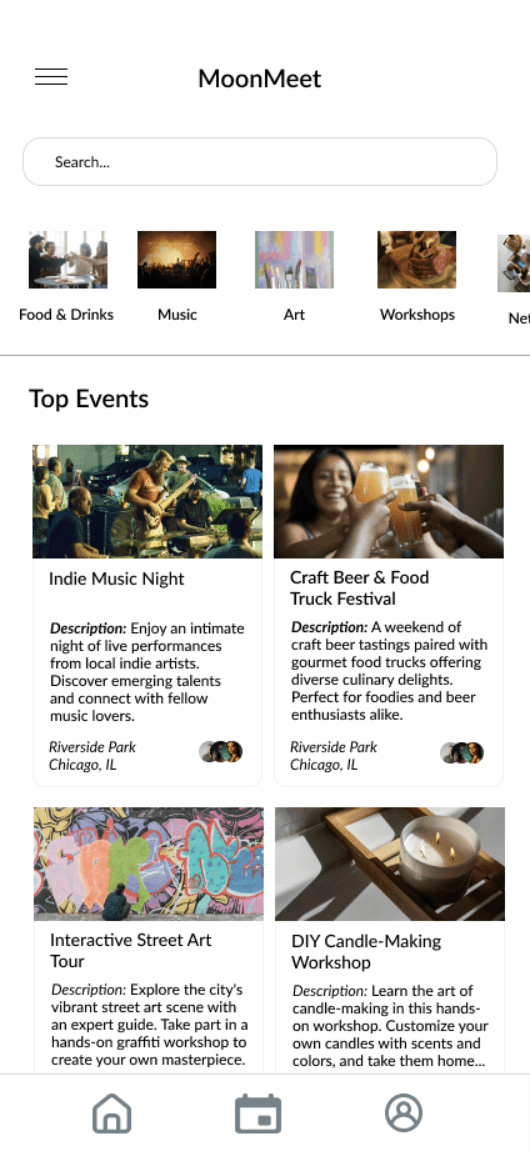
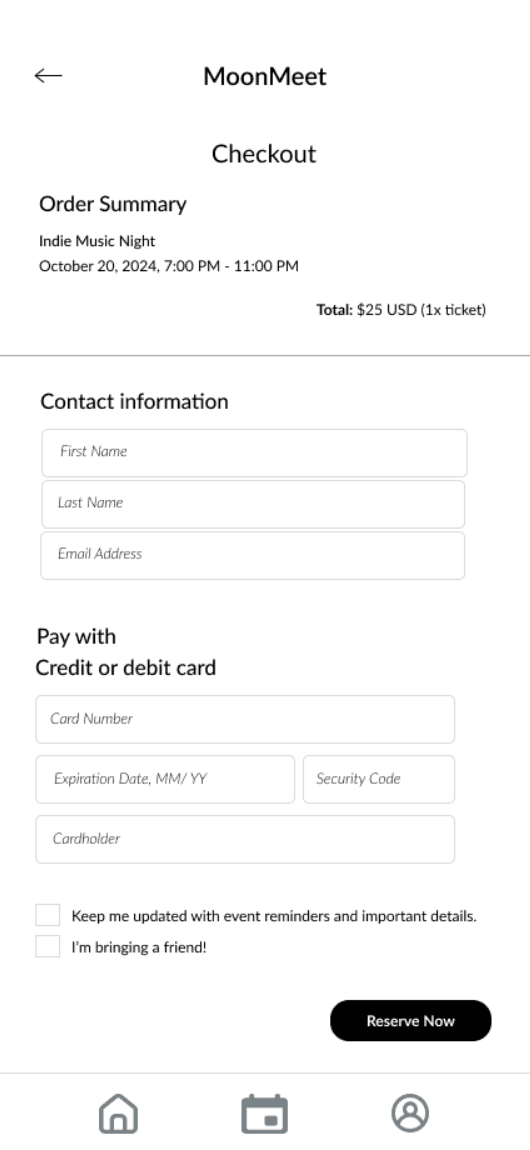
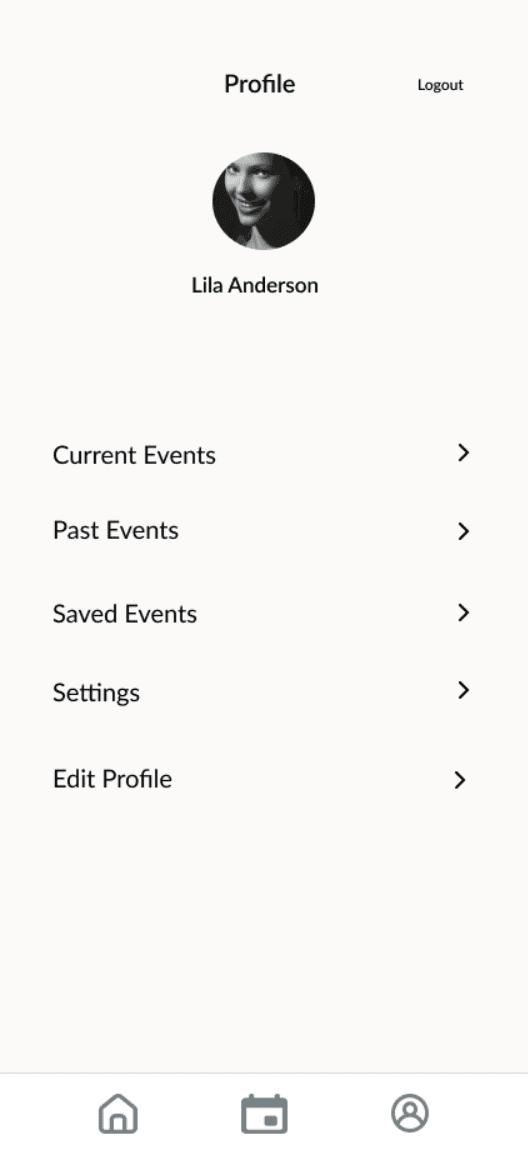
A final prototype was created to develop a detailed and realistic version of the MoonMeet app, incorporating refined design elements, interactive features, and comprehensive visual details to closely resemble the final product.
This phase aimed to validate design decisions made during the low-fidelity stage and ensure necessary adjustments were implemented before final development, integrating feedback from the first round of testing to enhance user-centricity.
The process included developing polished high-fidelity wireframes with enriched visual elements and interactive components, such as clickable RSVP buttons and event filters, maintaining consistency by following the style guide and applying insights to improve the user experience.
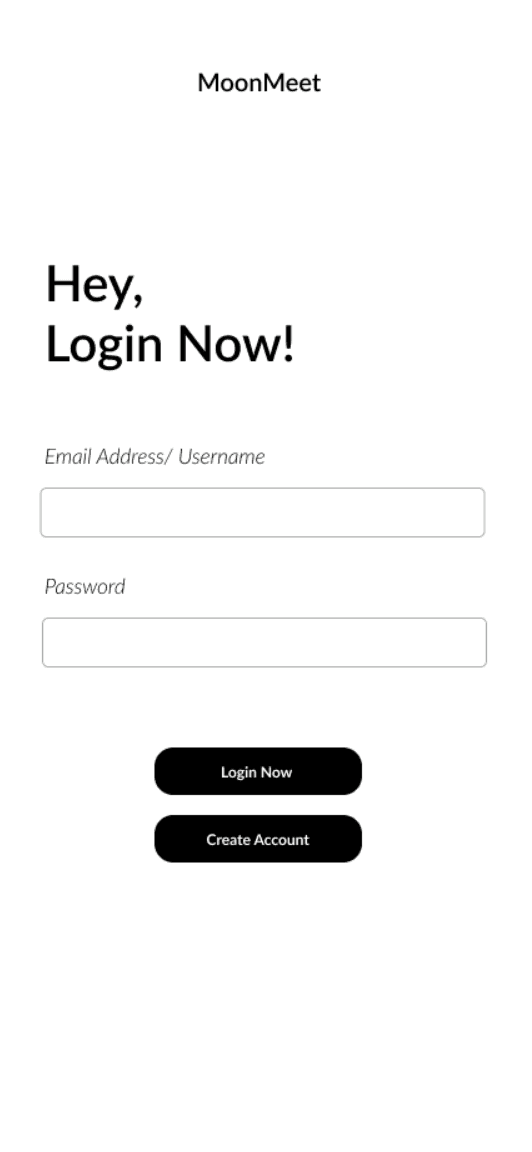
Round 2 of usability testing focused on validating the mid-fidelity prototype of MoonMeet, assessing improvements made after the first round. Key tasks included logging in, exploring events, RSVPing, and reviewing ticket options.
Participants reflective of MoonMeet's target audience engaged in realistic scenarios through remote moderated sessions, providing real-time feedback. The testing evaluated the effectiveness of design refinements, identified lingering usability challenges, and gathered insights to ensure the platform met user expectations.
Findings confirmed the success of updates like email login, improved event details, and ticketing options, while highlighting areas for further improvement to enhance user satisfaction and engagement.
Improvements Well-Received
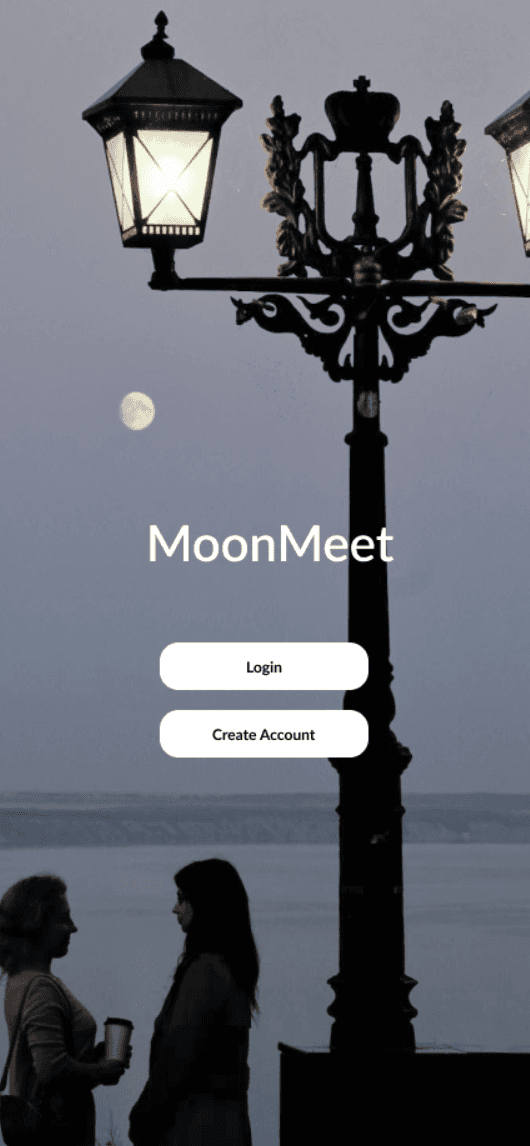
Participants praised updates like the full-screen landing page image, prominent event location details, and the friendly login greeting, which created a more inviting and seamless experience.
Opportunities for Refinement
Identified minor areas for enhancement, such as simplifying RSVP workflows and optimizing button layouts to further improve usability.
Feature Validation
New additions, including email login and early bird ticketing options, were validated as effective in increasing accessibility, urgency, and event engagement.
Final Recommendations
Outlined final tweaks, such as enhancing navigation elements and clarifying event details, to ensure MoonMeet provides a polished and intuitive user experience.