Introductions
As the UI/UX Designer for TinyTales, my role was to drive the design sprint from start to finish. This involved rapidly generating ideas, designing a prototype, and validating the solution through user testing. I focused on crafting an intuitive user experience that would make it easier for parents to find and select the perfect stories within the app.
TinyTales, a new startup, aims to make it easier for parents to discover great stories to read to their young children through its mobile app. The platform offers a diverse library of children's stories, including short stories, illustrated books, and educational content, all published by contributing authors and illustrators.
However, as the library has grown, parents have found it challenging and time-consuming to locate the right stories. TinyTales wants to enhance its app experience by simplifying the story discovery process, helping parents quickly find the perfect tales for their children.
Day 2 - Sketch
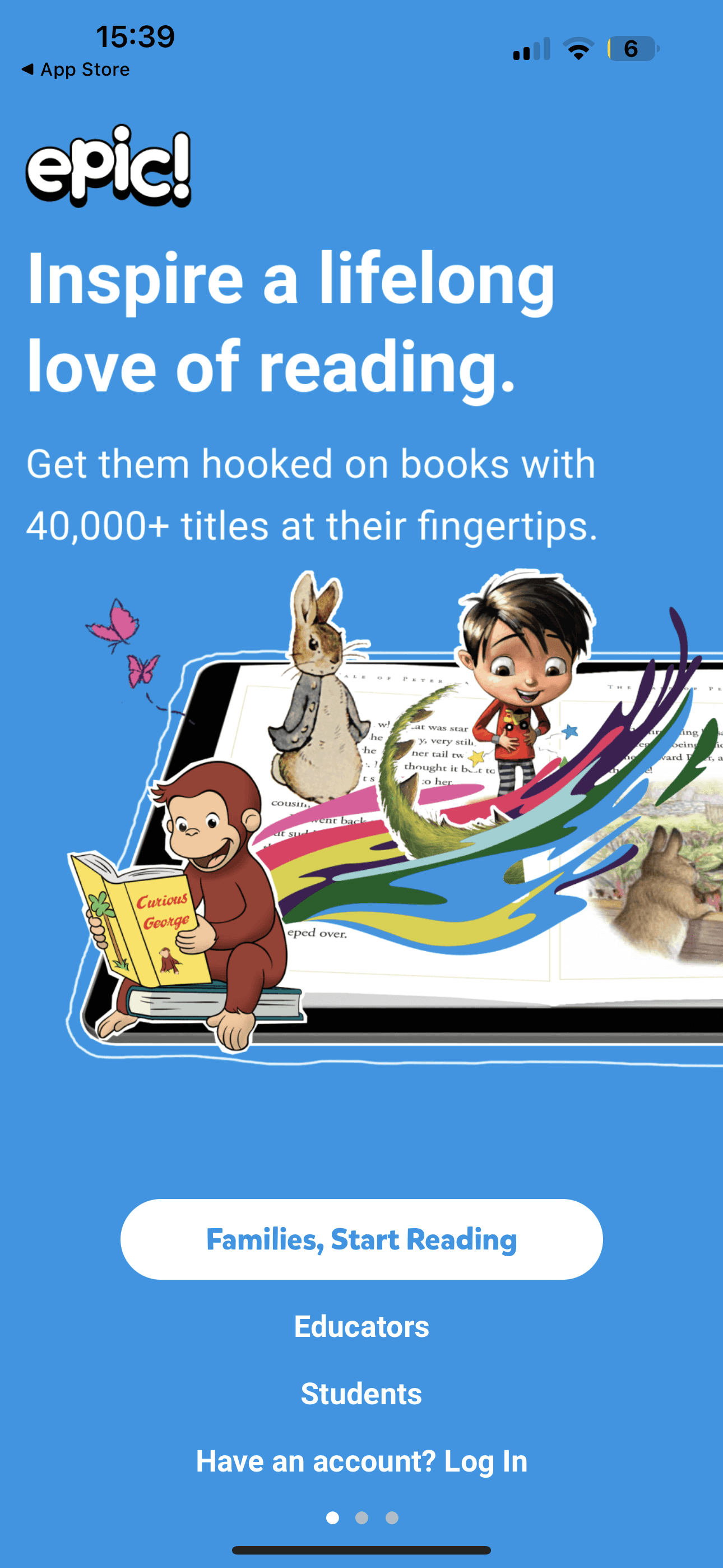
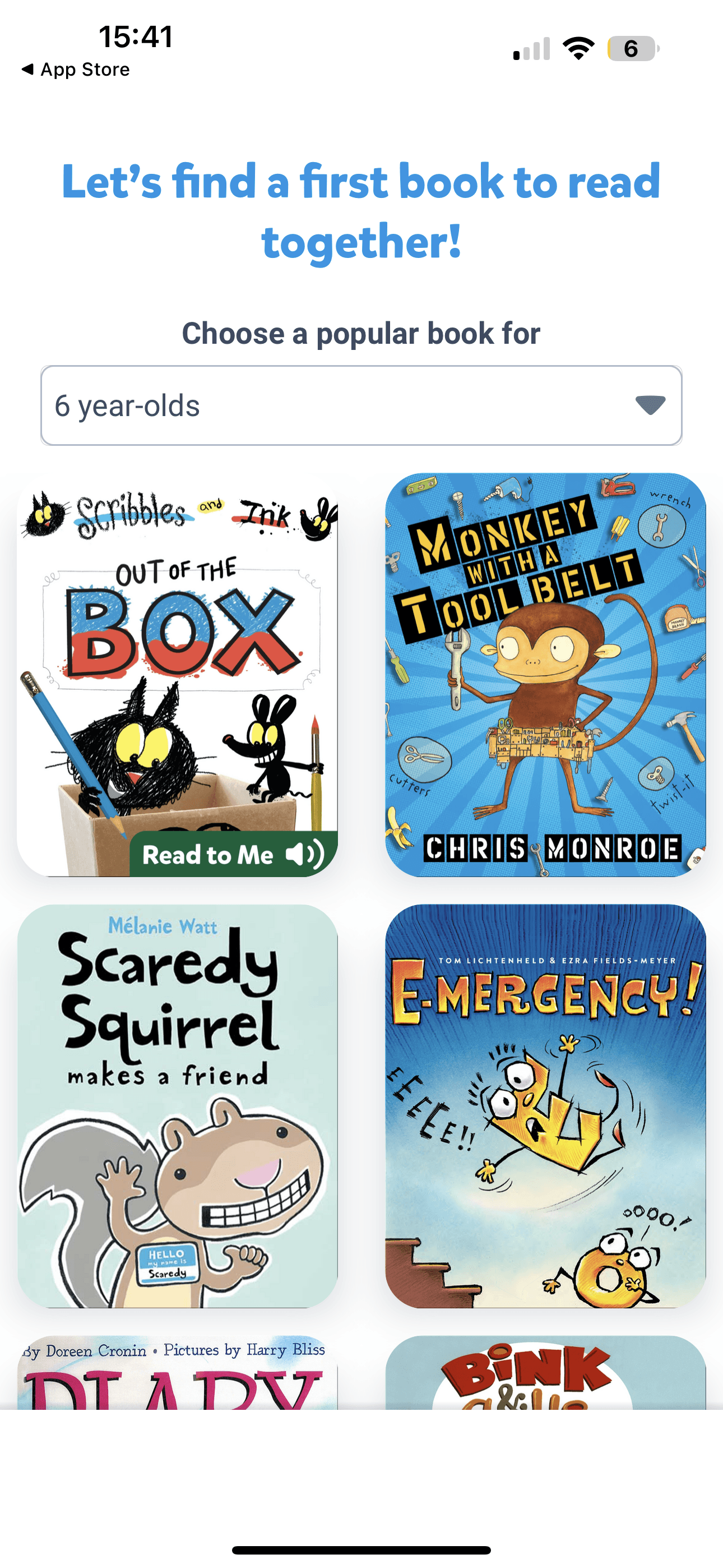
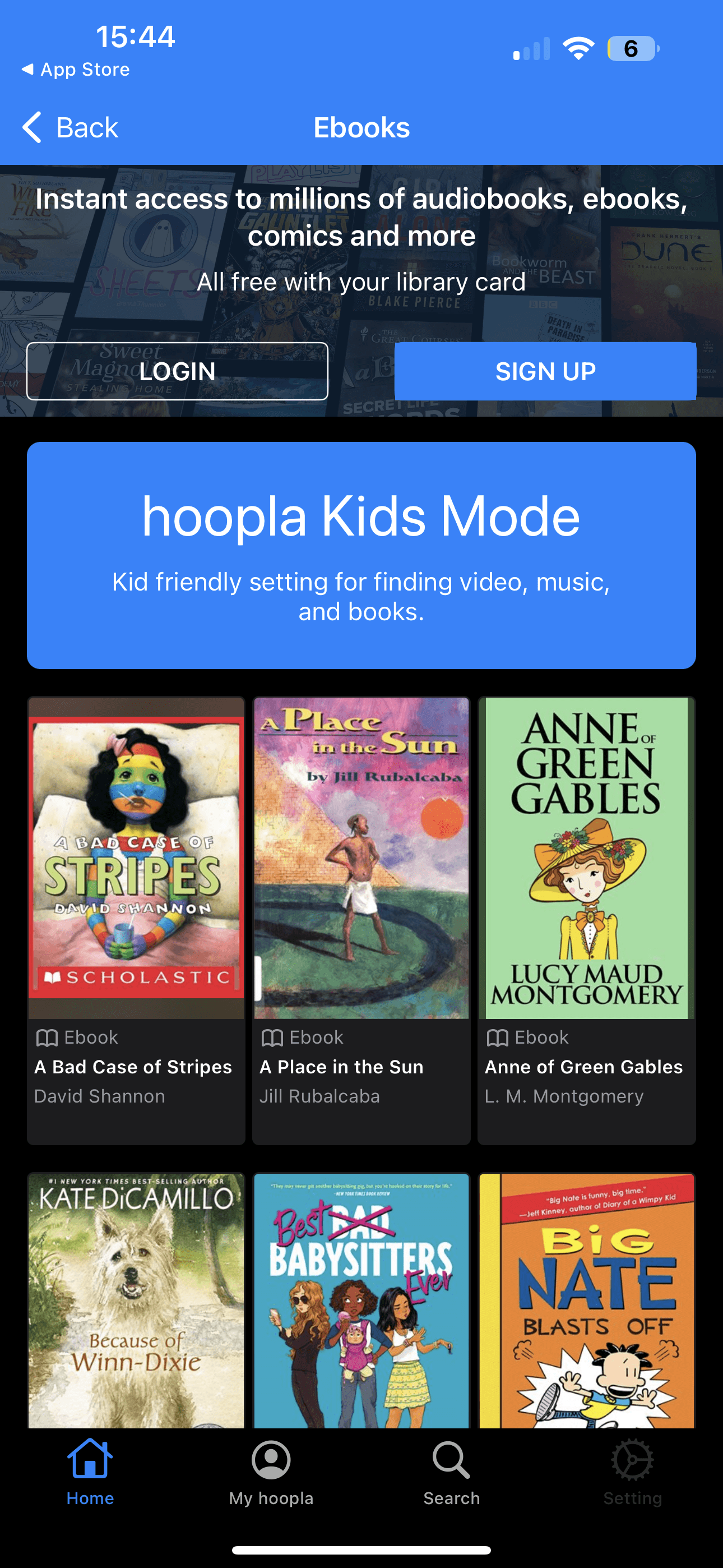
On Day 2: I conducted a lightning demo, exploring how competitors have tackled similar challenges in helping users discover content. This exercise provided valuable insights and inspiration, which I used to sketch out potential design solutions and visualize how the TinyTales app could better guide parents in finding the perfect story for their children.
Day 3 - Storyboard
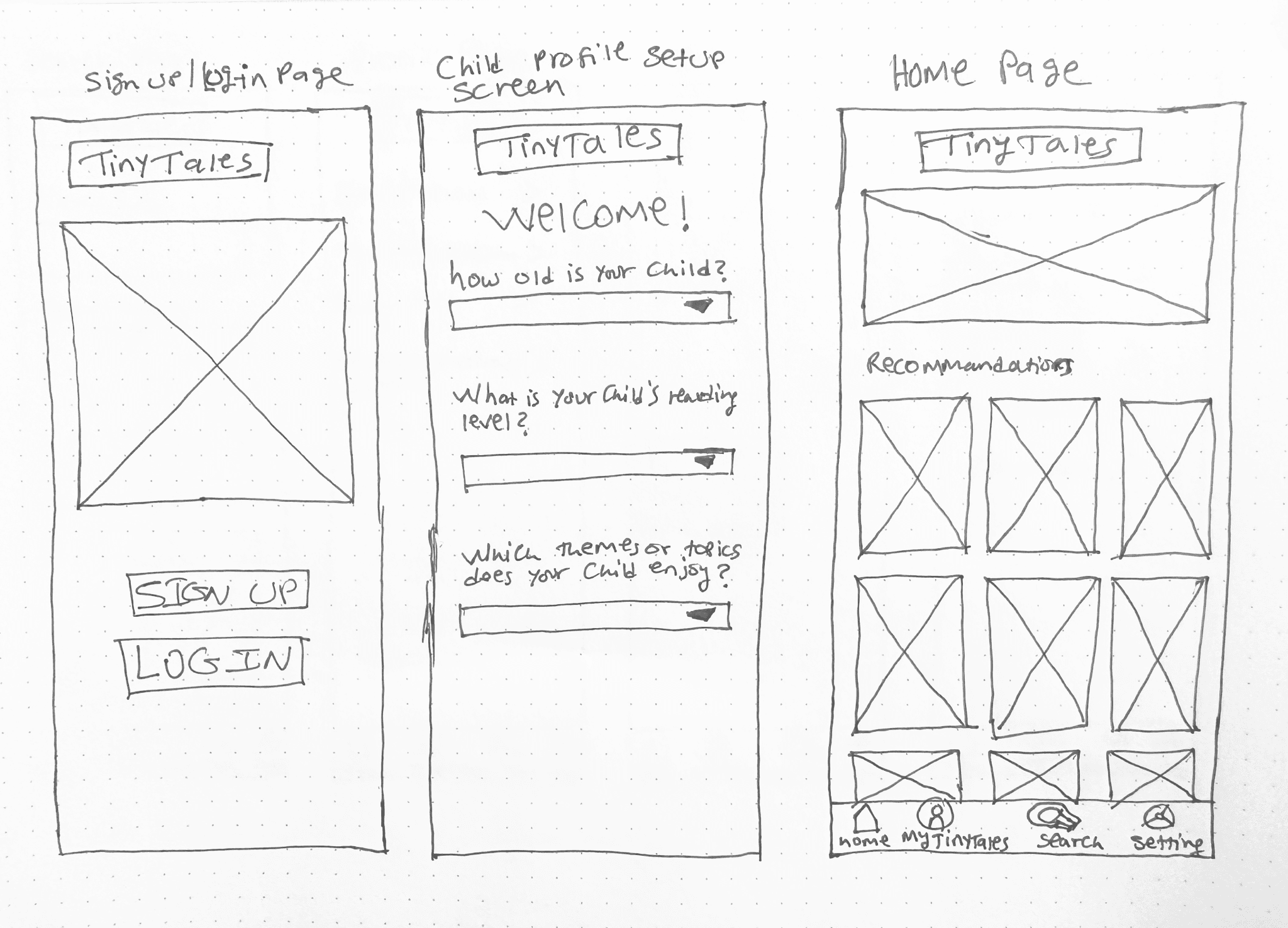
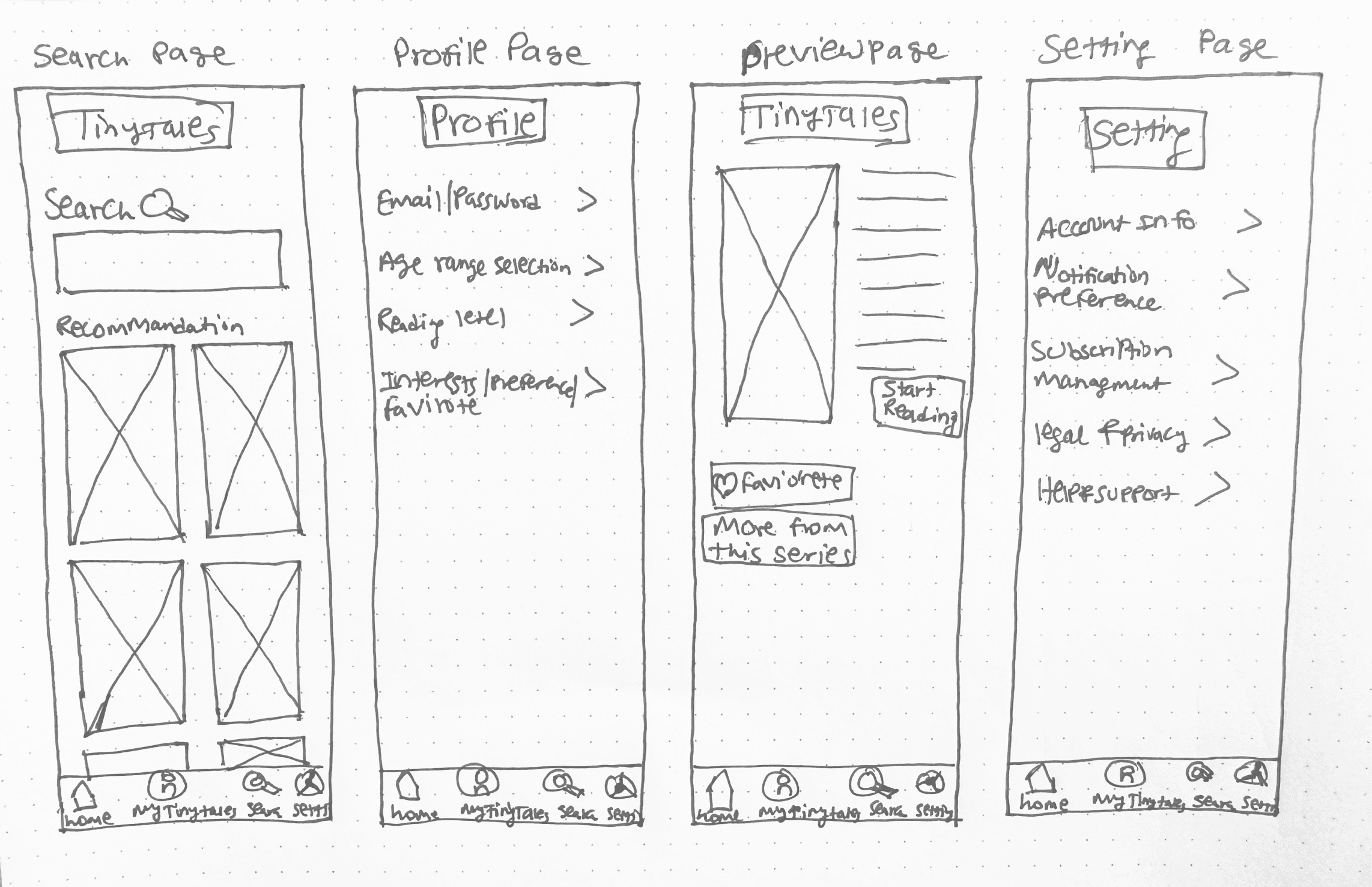
On Day 3: The user storyboard served as a blueprint for the TinyTales app, illustrating how it supports parents in discovering, selecting, and sharing engaging stories for their children.
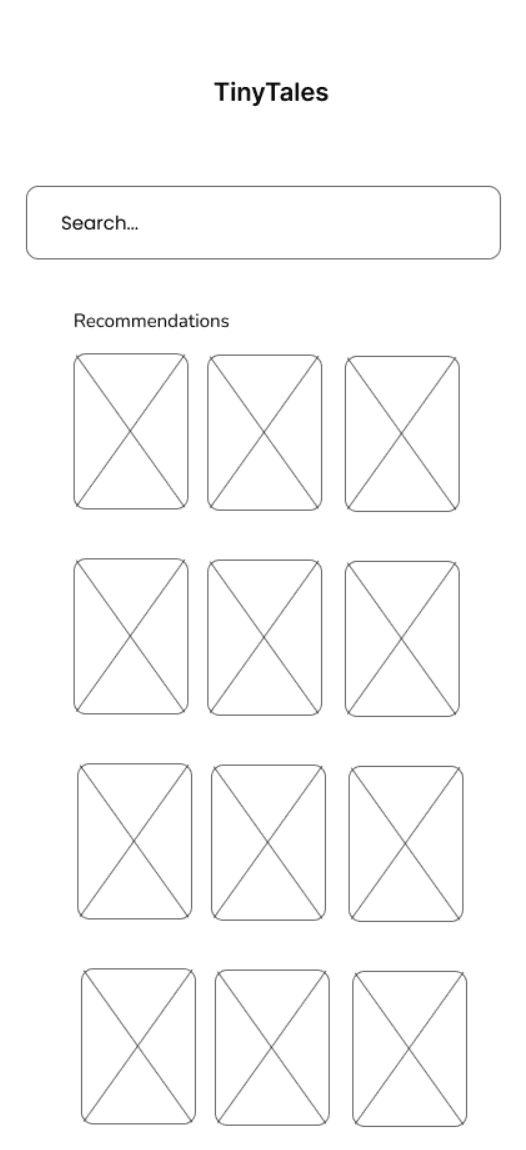
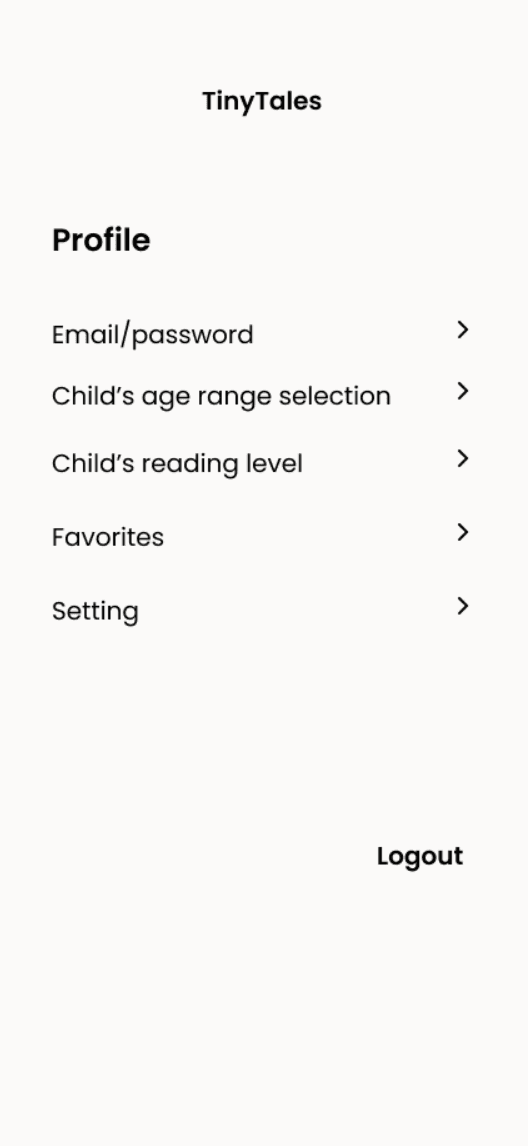
6 panel storyboard were built out to plan out the critical user journey, including key UI elements necessary to navigate the app effectively.
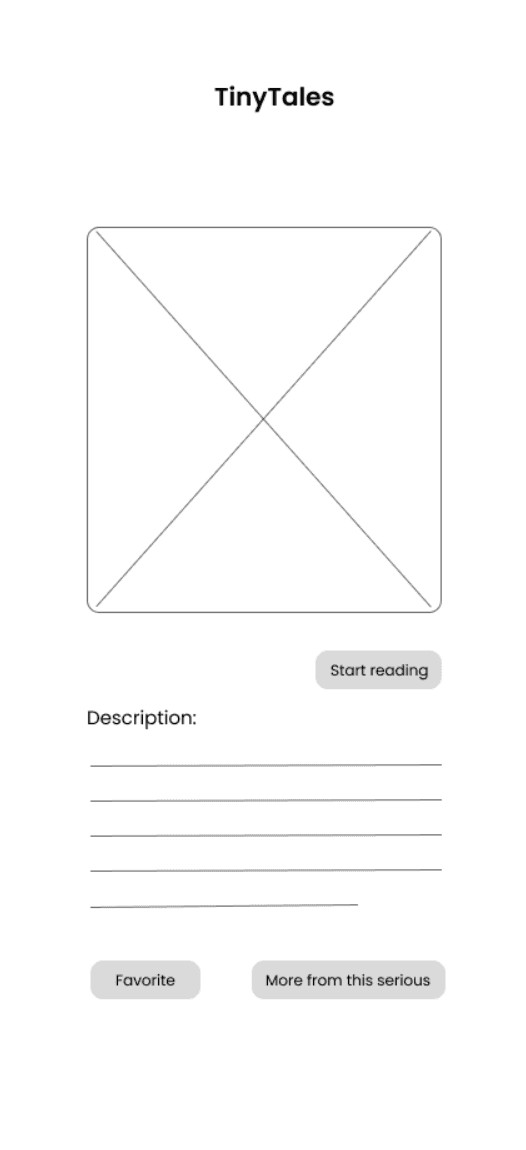
Each step focused on essential interactions, such as browsing story categories, using filters, viewing detailed story previews, and saving favorites.
By integrating insights from competitor analysis and user needs, the storyboard emphasized clarity, engagement, and functionality. Serving as a lightweight wireframe, it guided the creation of the high-fidelity prototype, ensuring that TinyTales delivers a streamlined, enjoyable experience tailored to parents seeking quality reading material for their children.
Day 4 - Prototype
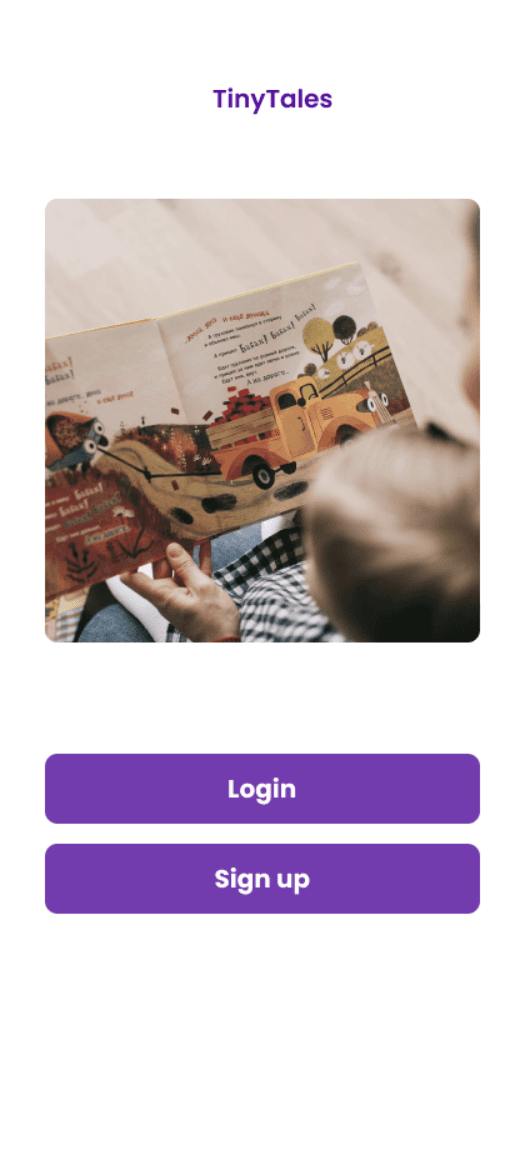
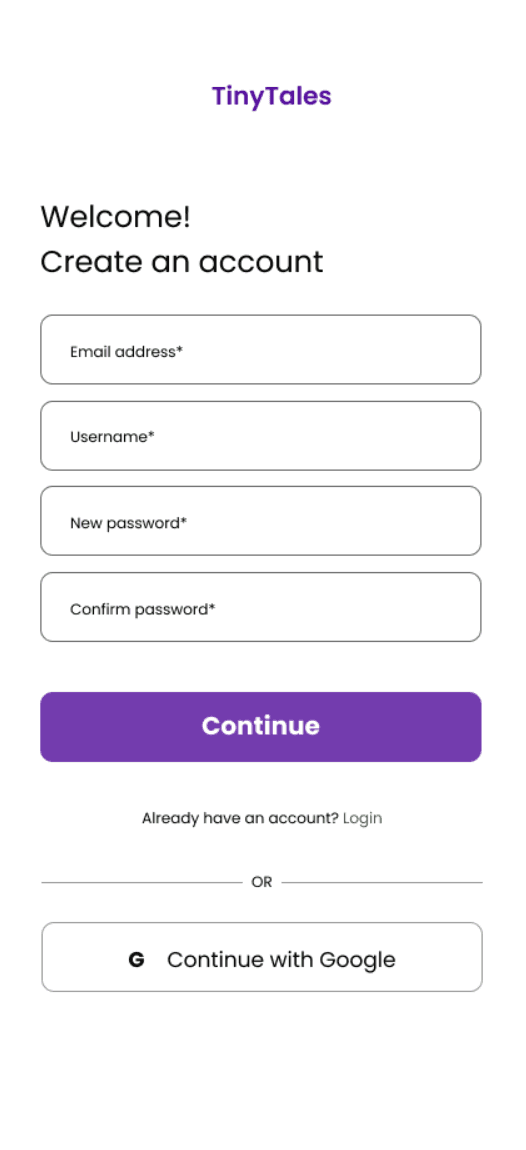
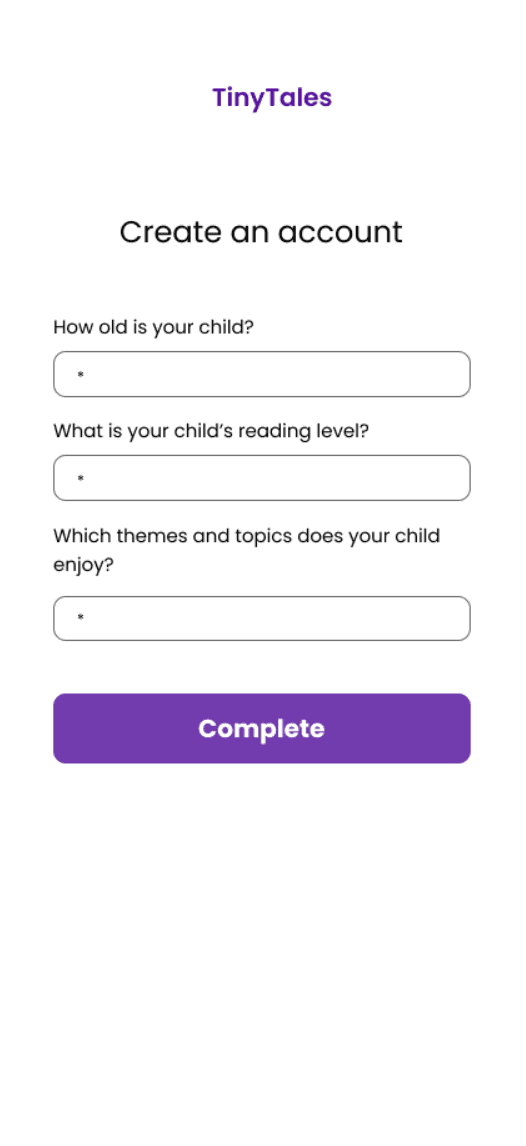
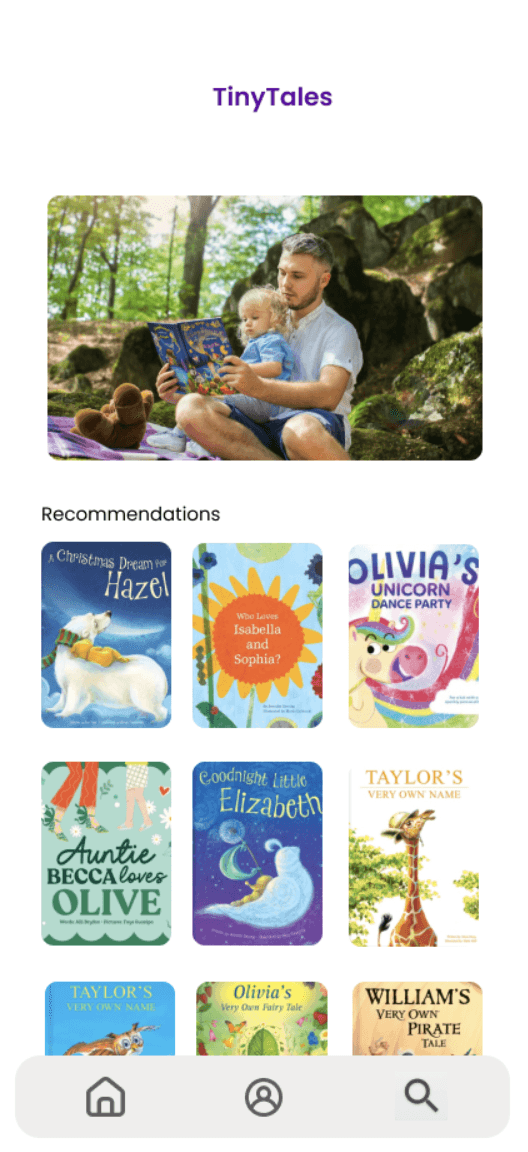
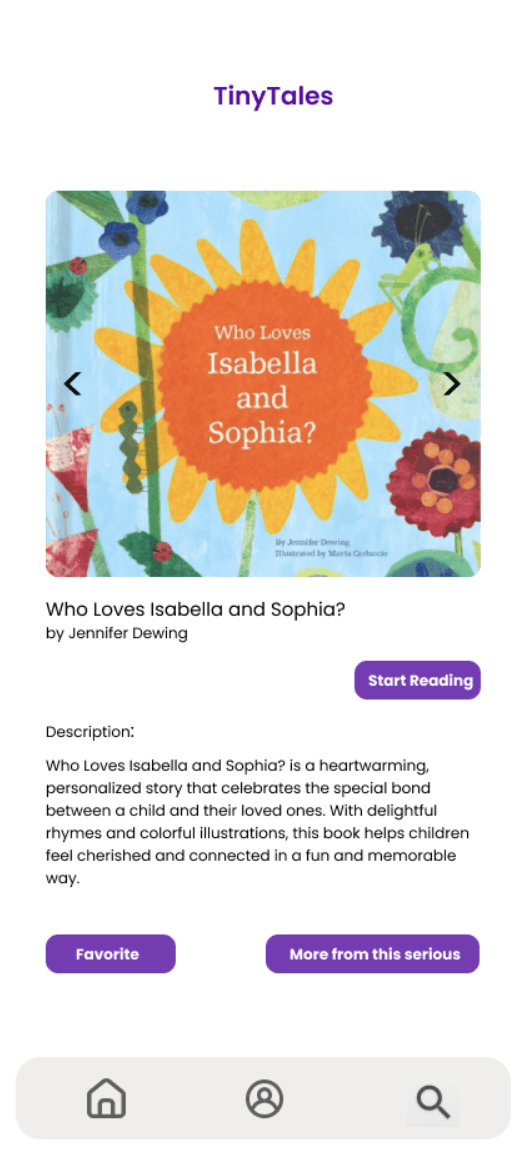
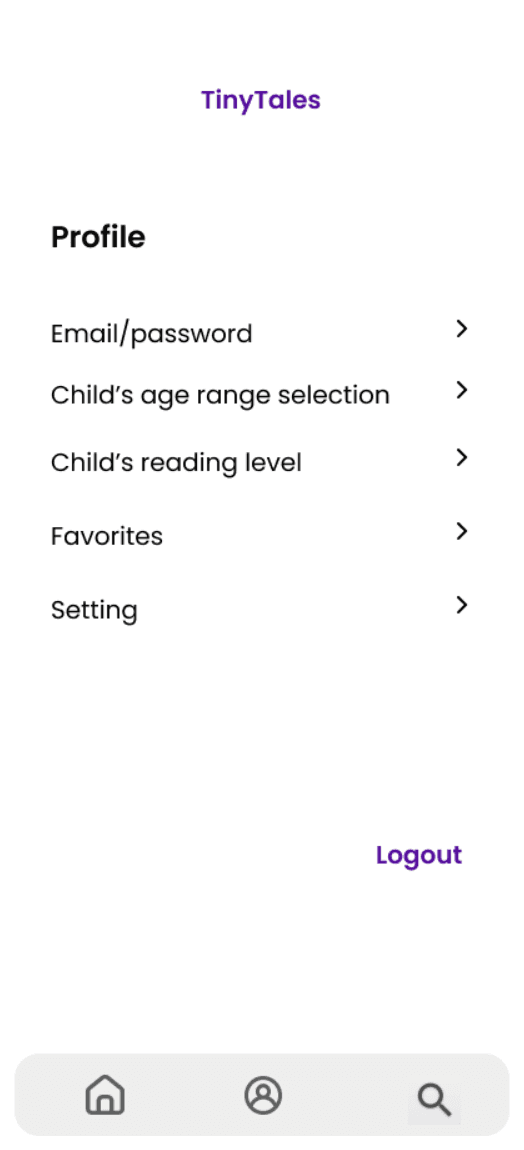
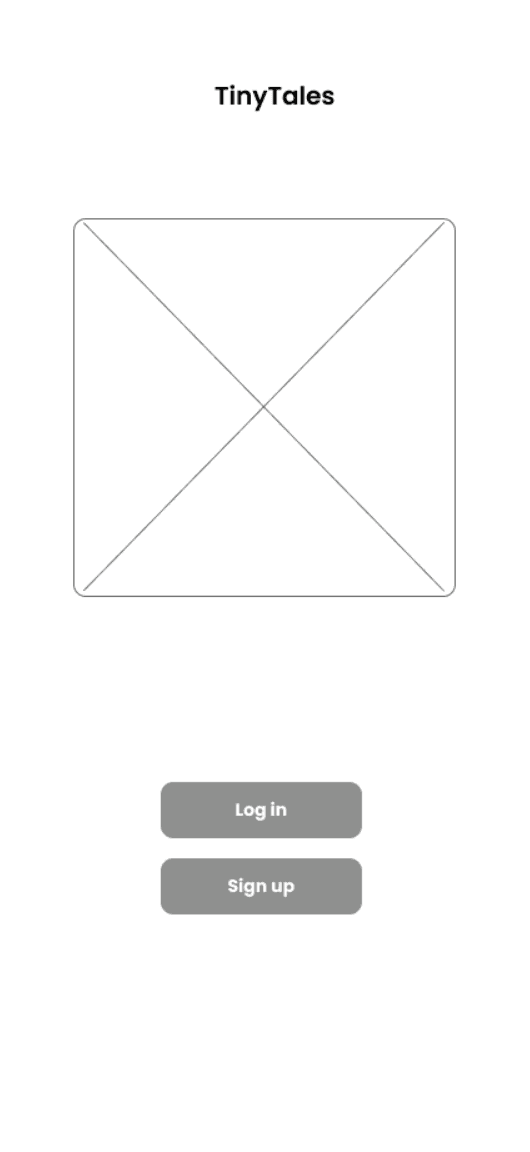
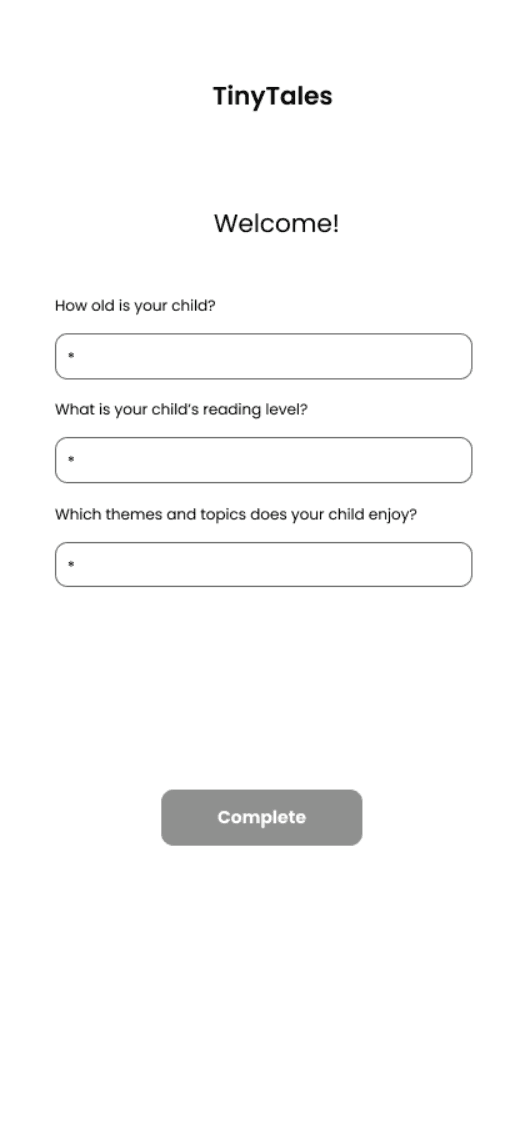
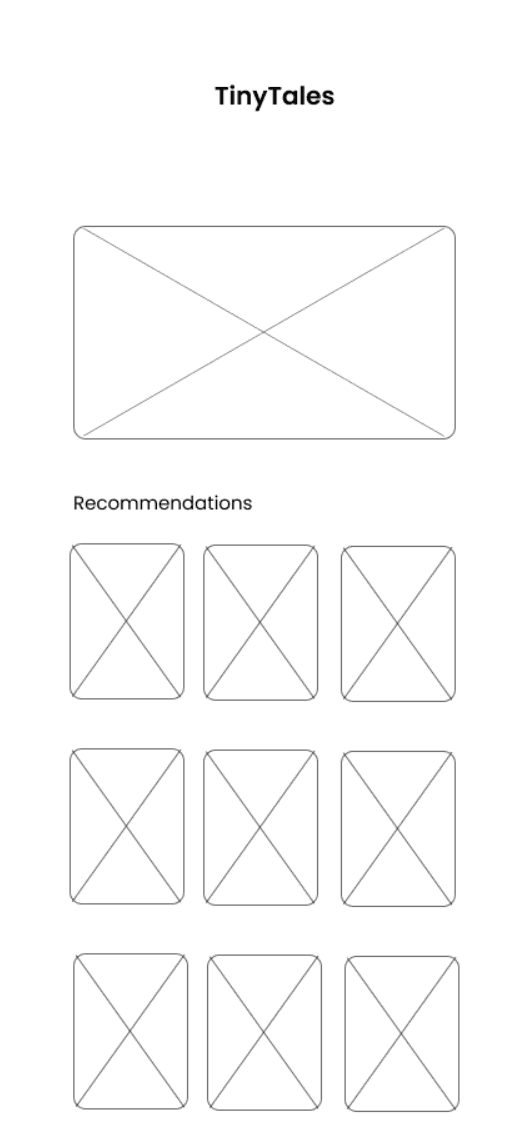
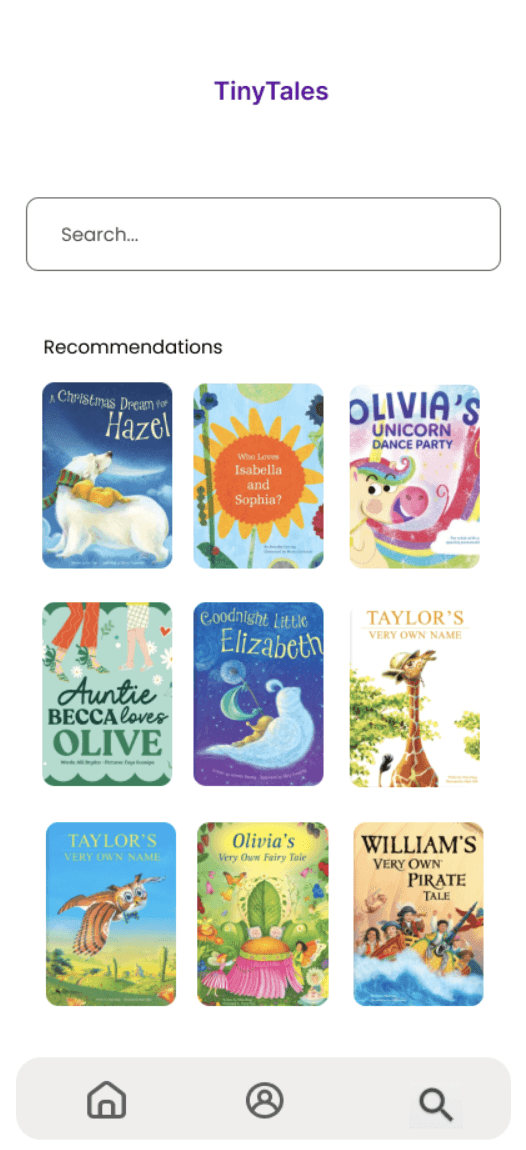
On Day 4: The TinyTales prototype was developed using Figma, focusing on intuitive navigation, vibrant visuals, and an engaging user experience tailored for parents and young readers.
The prototype includes features such as curated story categories, a search function, bookmarking for favorite stories, and filters to refine results by age group, genre, or reading duration.
Users are welcomed by a colorful homepage with playful illustrations and a featured story section designed to spark curiosity and encourage exploration.

Day 5 - Validate
Usability Testing
To validate the TinyTales prototype, I conducted remote usability testing sessions. Each session was recorded to capture valuable qualitative data for analysis.
Participants were assigned specific tasks
and questions designed to evaluate the prototype's core functionalities, such as creating an account, story search, bookmarking, and filtering features.
Users Feedback
These tasks also aimed to gather insights on the app's overall design and usability. Feedback from the sessions was highly insightful, with users praising the app's playful design, intuitive navigation, and well-structured story categories.
However, participants suggested improvements in the search functionality and recommended adding more customization options for filters.
Insights and Lessons Learned
User-Centered Design
Understanding the unique needs of parents and young readers was crucial to developing engaging features such as age-based filters, story categories, and bookmarking. Prioritizing these needs ensured that the app aligned with its target audience's preferences and habits.
Value of Iteration
The iterative design process reinforced the importance of refining ideas based on feedback. Each step, from initial wireframes to usability testing, contributed to meaningful improvements and a more polished final product.
Critical Role of Usability Testing
Moderated testing sessions provided invaluable feedback, revealing both strengths and pain points in the app's navigation and features. Observing participants interact with the prototype brought to light areas that required adjustments for a smoother user experience.
Balancing Engagement and Simplicity
Maintaining a playful yet straightforward interface was a recurring focus. Striking the right balance ensured the app was visually appealing to children while remaining intuitive and functional for parents.
Finding the Perfect Story: A Design Sprint for TinyTales
Case Study: Designing a Seamless Children's Story Discovery Experience for Parents
Role: UI//UX Design, UX Research, Sketches, Wireframe, Prototype, User Testing
UI/UX Designer: Kidist Dimore
Day 1 - Map
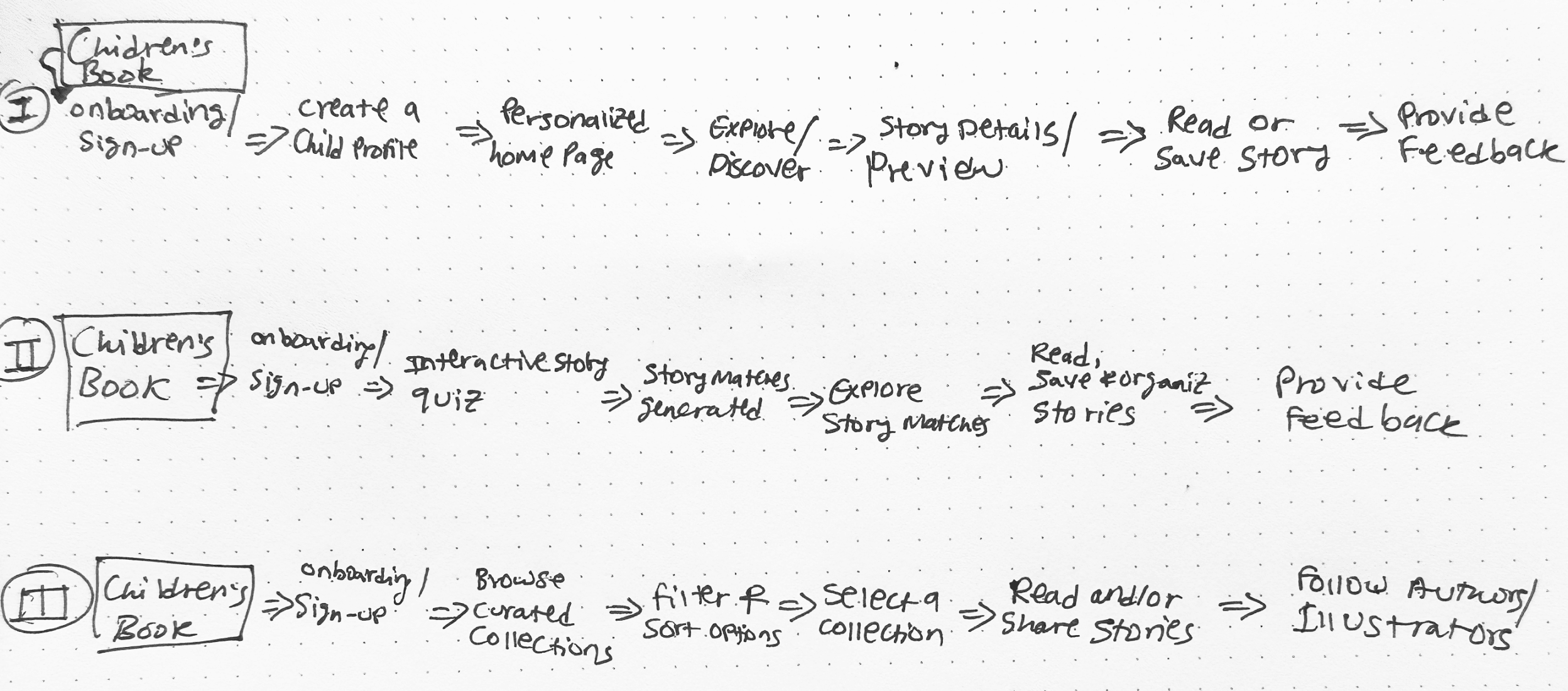
On Day 1: I focused on mapping out and imagining all possible end-to-end solutions for parents to discover the right stories for their children. I considered three distinct pathways to help parents easily find and select children’s stories within the TinyTales app. These solutions needed to address a range of user needs, such as finding stories by age, theme, or specific interests.
This is the visualization of the different user journeys, guiding parents toward their goal of quickly and effortlessly discovering the perfect story to read to their child.